Knowledge Base
Setting up rDNS
This guide explains how to set up reverse DNS (rDNS) for both IPv4 and IPv6 addresses using the ITLDC panel.
Yaro
rdns ipv4 ipv6 dns networking itldc
IPv4
STEP 1: Firstly, you need to go to my.itldc.com. Select a service.
STEP 2: Click on “IP-addresses”.

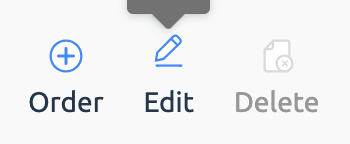
STEP 3: Select a desired IP-address and click the “Edit” button.
STEP 4: Enter a desired domain.
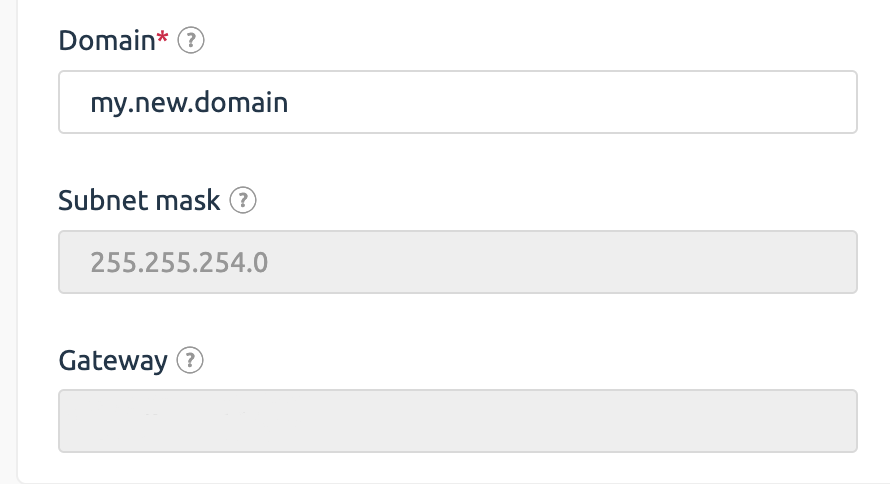
STEP 5: Click “Ok” to confirm the changes.
IPv6
STEP 1: Go to my.itldc.com and select a service.
STEP 2: Click “To Panel”.

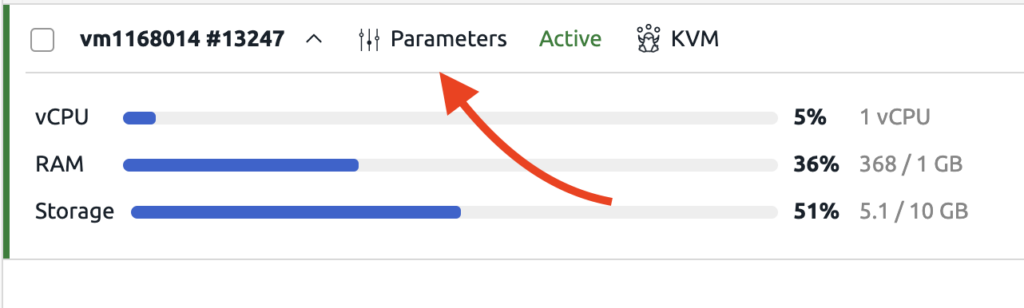
STEP 3: In VMmanager select a service and click on parameters.
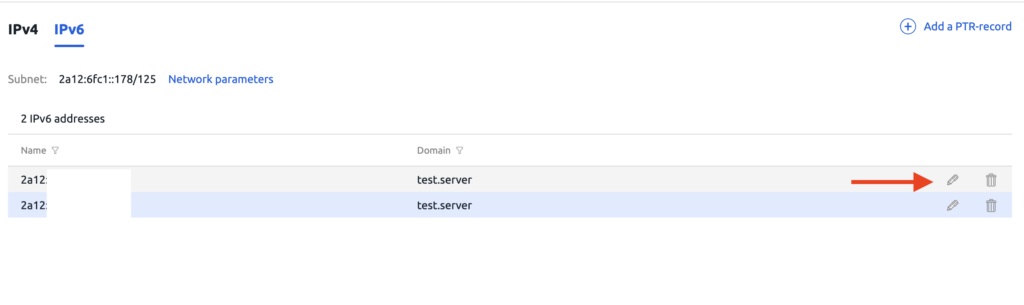
STEP 4: Click IP addresses and IPv6.
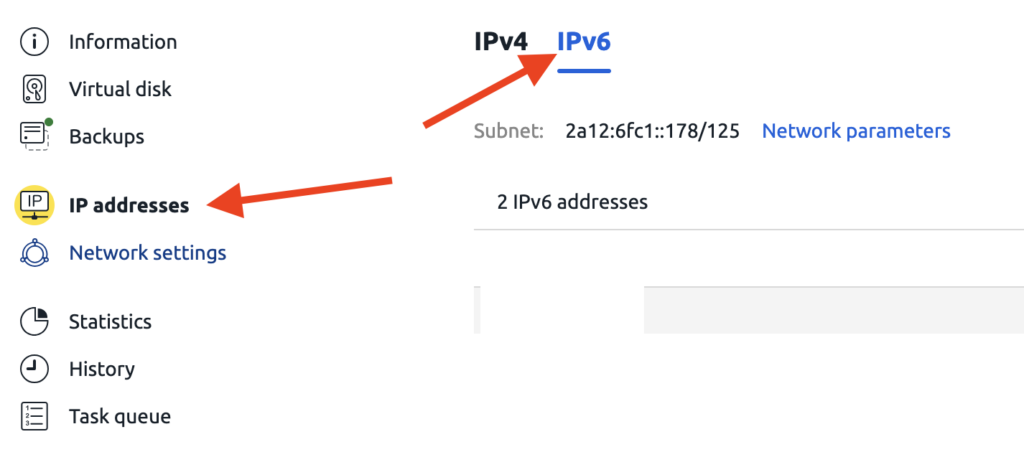
STEP 5: Enter new domain name.
Related Articles
Browse more articles in these categories.