Knowledge Base
How to order an additional IP addresses
This guide explains how to order additional IP addresses through the ITLDC platform, ensuring you understand each step in the process.
Yaro
ip addresses ordering networking itldc configuration
How to Order Additional IP Addresses
STEP 1: Firstly, you need to go to my.itldc.com.
STEP 2: Select a service.
STEP 3: Click on IP-addresses.

STEP 4: Click the Order button.

STEP 5: Select IPv4 or IPv6.
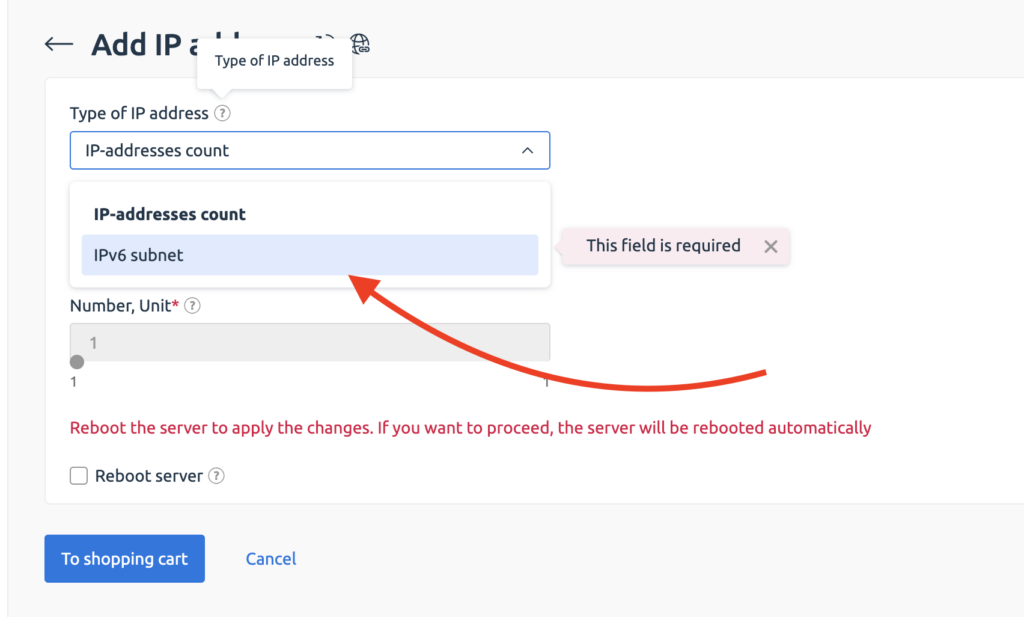
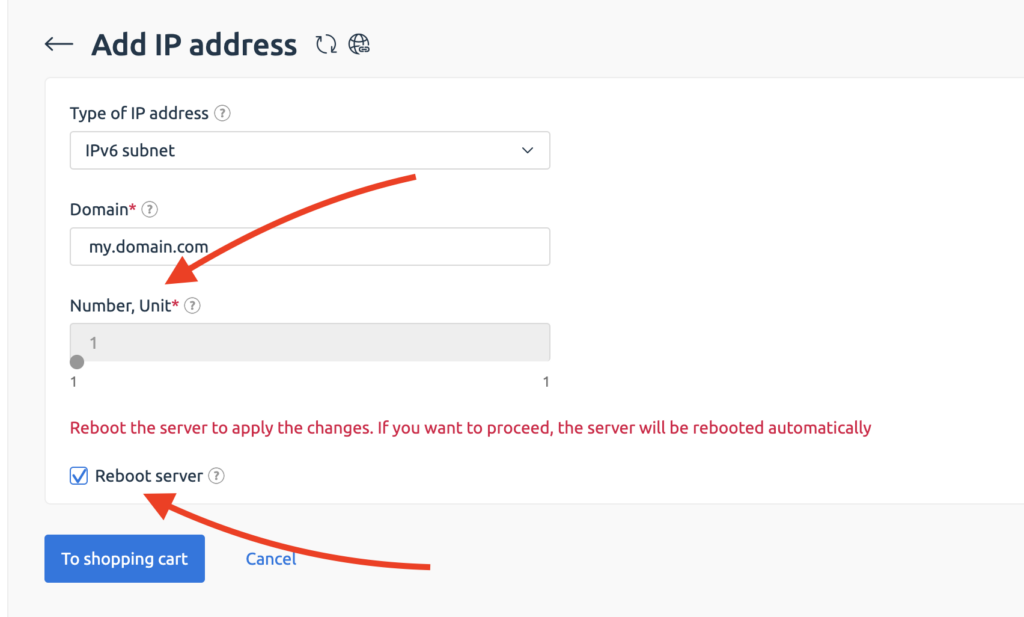
STEP 6: Set the number of IP addresses that you want to order and click on the Reboot server checkbox to apply changes.
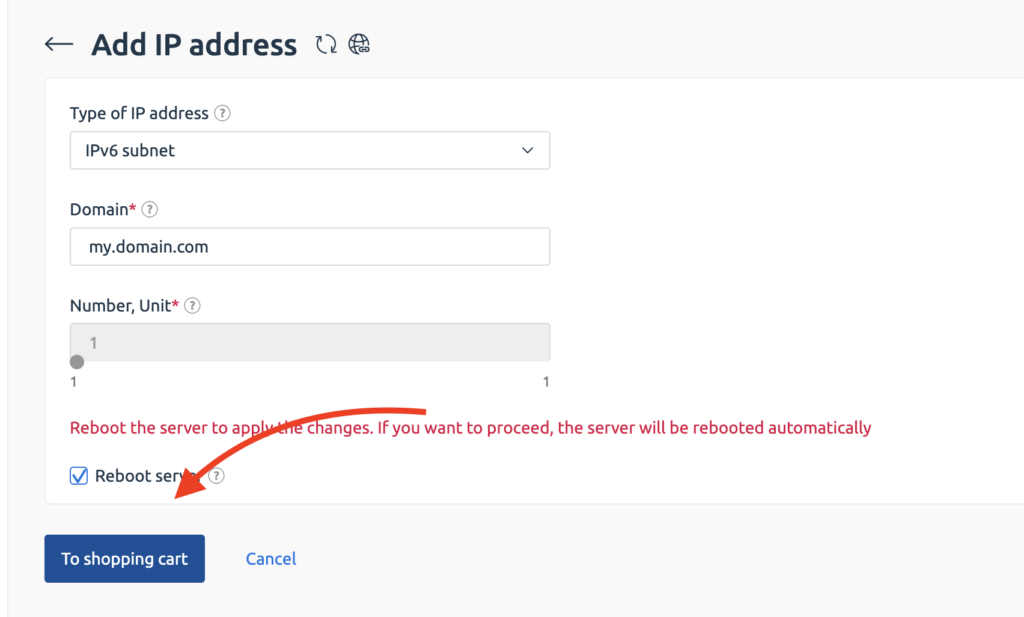
STEP 7: Click the To shopping cart button.
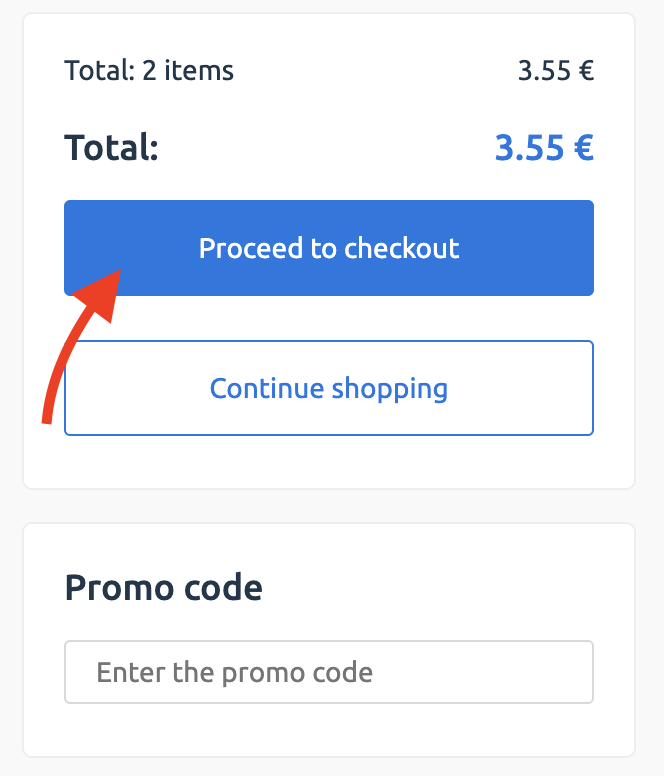
STEP 8: To pay, click the Pay button and follow the steps on the payment page.
STEP 9: You need to configure your network settings in your OS to use the new addresses.
NOTE: To set up by yourself, you can read these tutorials:
Related Articles
Browse more articles in these categories.