Knowledge Base
How to select location during the ordering process
This guide explains how to select a data center location during the ordering process on ITLDC.
Yaro
ordering data center location selection itldc products services guide
STEP 1:
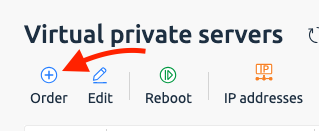
Go to my.itldc.com and select your category in “Products/Services”. Then click the “Order” button.
STEP 2:
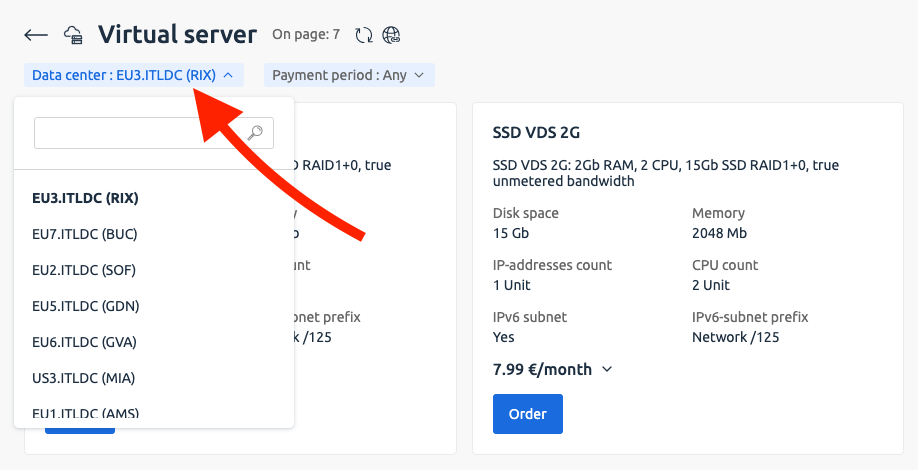
Then select a data centre location.
NOTE:
You can check our locations on itldc.com/en/support/looking-glass/.