Knowledge Base
How to reboot a VDS
Learn how to reboot your Virtual Dedicated Server (VDS) through the ITLDC management portal.
Yaro
vds reboot virtual server itldc management
STEP 1: Go to my.itldc.com.
STEP 2: Select a service that you want to reboot.
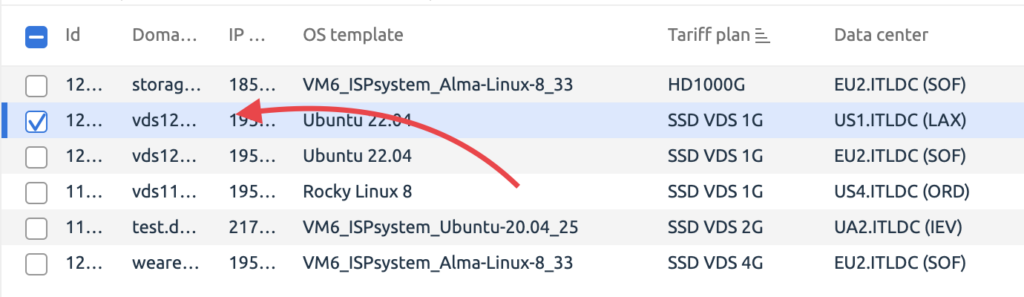
STEP 3: Click on “Reboot” button.

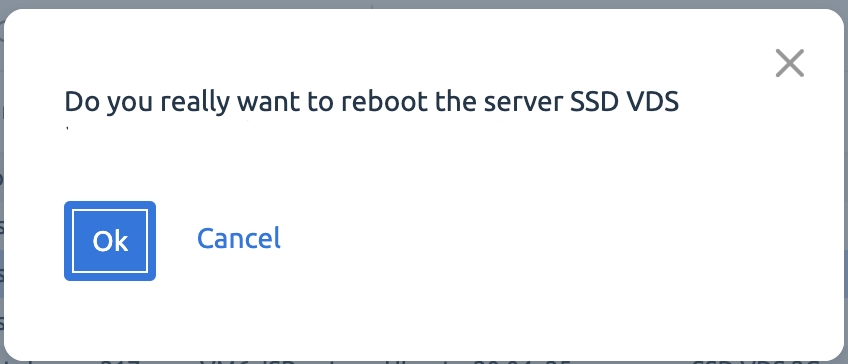
STEP 4: Click “Ok” button if you are sure you want to reboot the VDS.
Note: You can also reboot the server from the VMmanager or DCImanager panel.
Related Articles
Browse more articles in these categories.