Knowledge Base
How to change auto-renewal period
Learn how to change the auto-renewal period for your services easily in a few steps.
Yaro
auto-renewal billing services management virtual private servers
STEP 1
Go to my.itldc.com
STEP 2
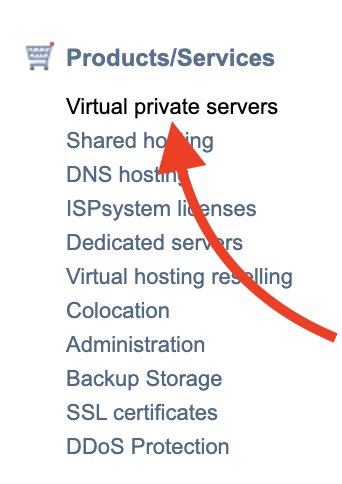
In Products/Services, select Virtual private servers
STEP 3
Select the service that you need and click the Edit button
STEP 4
You will see the Auto renewal option, where you can select an auto-renewal period.
