Free CentOS Web Panel for Hosting Providers and Beyond
Explore the features of CentOS Web Panel, a free server management tool ideal for hosting providers.
Free CentOS Web Panel for Hosting Providers and Beyond
Today we will talk about another free server management panel - CentOS Web Panel, abbreviated as CWP. This product is comparatively new and is not yet as popular among our clients as Vesta Control Panel, but there are good reasons for CWP to become a well-known, frequently used product.
Unlike many other free server management tools, CWP has several serious advantages:
-
Focus on both server management and providing hosting services, supporting tariff plans, restrictions, and other necessary features.
-
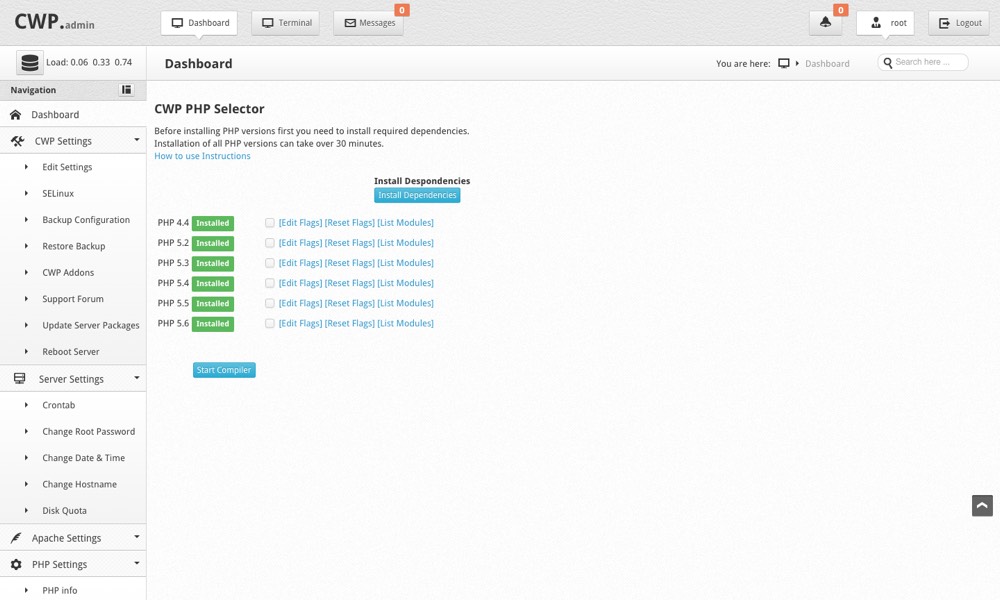
Default PHP version switcher available - administrators can install versions from 4.4 to 5.5 quickly. Users can choose the required PHP version for their sites.
-
Includes a built-in file manager and SSH client.
-
Caching support for Varnish proxy server to benefit high-traffic sites, reducing load on web services.
-
Initially supports CloudLinux for enhanced stability in hosting environments.
-
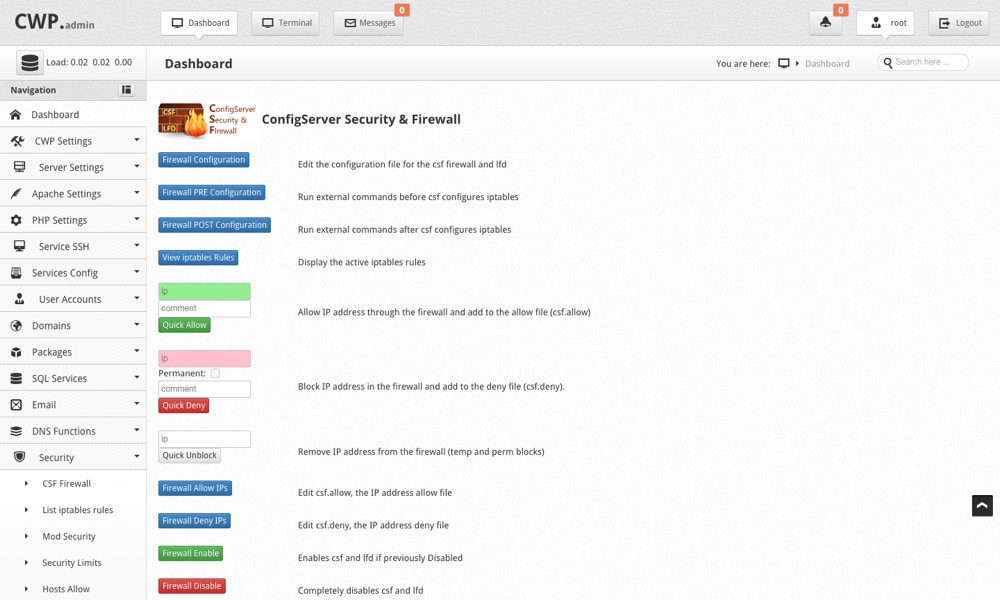
Extensions for CSF and other products to block unwanted traffic and counter small DDoS attacks are supported.
-
Built-in support for ffmpeg and related utilities for simplified video streaming hosting.
-
Various DNS modes supported, from hosting proprietary name servers to using FreeDNS.
-
Mail subsystem includes anti-spam mechanisms based on SpamAssassin, RBL checks, AmaViS, ClamAV, and OpenDKIM.
-
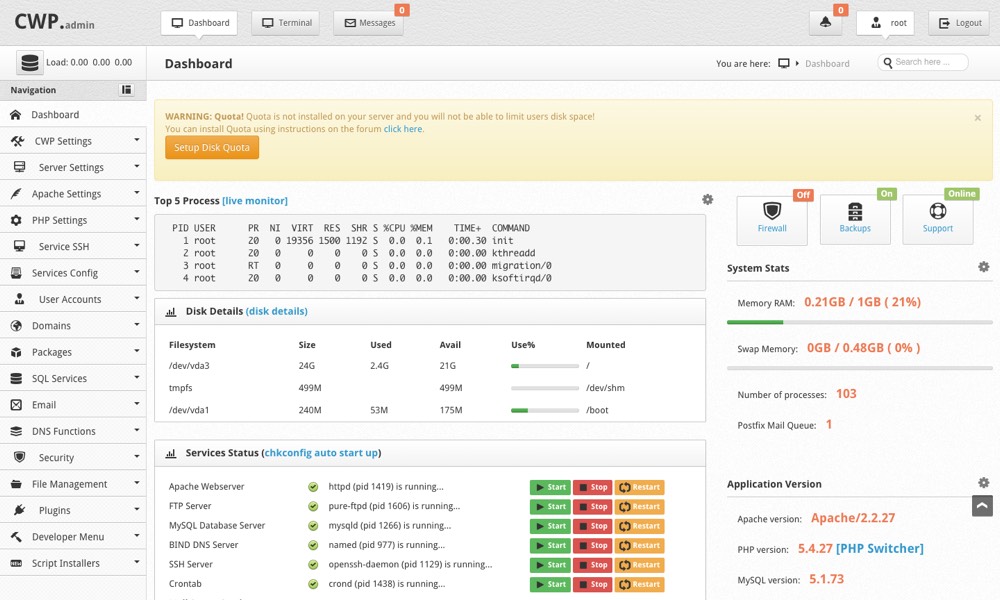
User-friendly dashboard with built-in monitoring tools for major OS components and server performance.
A complete list of features is available on the official product website - centos-webpanel.com/features. Many features are not only absent in the overwhelming majority of free competing products, but even many commercial server management systems cannot offer such capabilities.
Installation Guide
Let’s move on to the installation of CWP. The initial installation is straightforward and suitable even for beginners. You will need an SSD VDS or a dedicated server with CentOS 6.x. The panel developers recommend at least 1GB of RAM for comfortable operation, though we successfully tested it on a VDS with 512MB of RAM for low-traffic, small projects.
After ordering and activating the service, our billing system sends access parameters for the server. You can then log in using any SSH client and execute the following commands:
cd /usr/local/src
wget http://centos-webpanel.com/cwp-latest
sh cwp-latest
The installation takes about 5 minutes. After that, the CWP terminal will inform you of its readiness:
CentOS Web Panel (CWP)
#############################
# CWP Installed #
#############################

Go to CentOS WebPanel Admin GUI at http://SERVER_IP:2030/

http://185.14.XX.XX:2030
SSL: https://185.14.XX.XX:2031
---------------------
Username: root
Password: ssh server root password
MySQL root Password: XXXXXXXXXXXX

#########################################################
CentOS Web Panel MailServer Installer
#########################################################
SSL Cert name (hostname): cwp-test.itldc.com
SSL Cert file location /etc/pki/tls/private|certs
#########################################################

Visit for help: www.centos-webpanel.com
Write down login details and press ENTER for server reboot!
Press ENTER for server reboot!
Make sure to save the MySQL superuser password, then press Enter to reboot the OS. After a few minutes, open the URL to access the CWP administration panel.
Currently, there is no Russian localization of the panel, but the overall interface is user-friendly. Manual configuration file modifications are easy, which is useful for fine-tuning virtual web hosts.
We recommend it - an excellent panel for a stable, reliable, and popular operating system!



Want to start using CWP right now?
Order any virtual server on SSD disks or dedicated server, enter the coupon CENTOS-WEB-PANEL, and a permanent 10% discount will be yours! Our technical support is available to assist with panel installation and initial server setup. Join us!
Need Help?
Our support team is available 24/7 to assist you with any questions or issues.
Contact Support